

Free Digital Tools
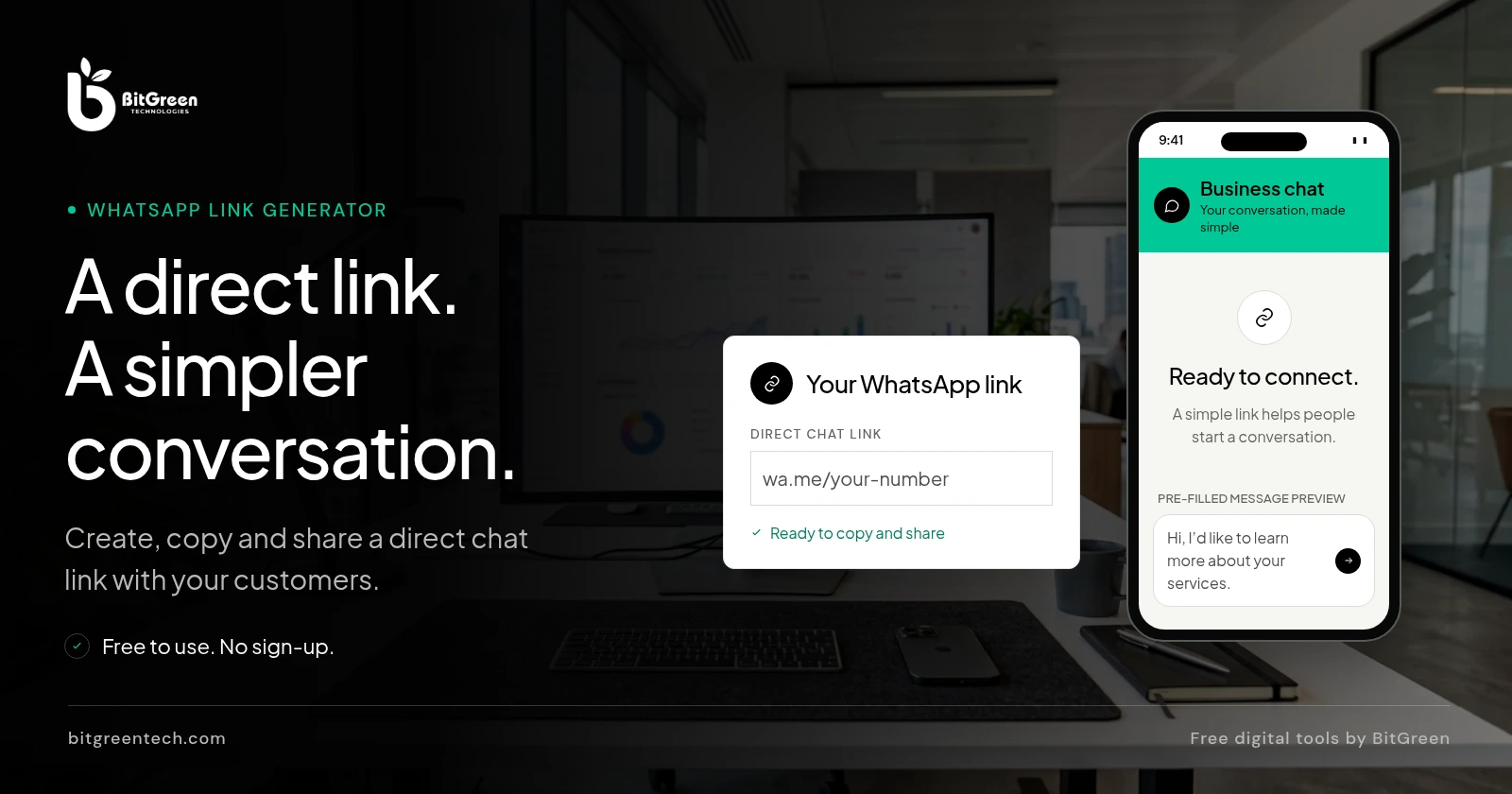
Create a direct WhatsApp chat link with an optional pre-filled message. Share it on your website, social profiles or anywhere customers can reach you.
Enter your number and add a message if you would like one to appear in the chat.
About The Tool
A WhatsApp link generator creates a direct click-to-chat link for a phone number. Instead of asking someone to save your contact details first, you can share a link that opens a WhatsApp conversation. You can also include a suggested message, making it easier for a customer to tell you what they need.
BitGreen’s free WhatsApp link generator builds a wa.me link from the international number and optional message you provide. It works in your browser and doesn’t require an account or an API key. The number must be associated with an active WhatsApp account for the chat to work.
How It Works
For example, a UK number written locally as 07700 900123 is entered internationally as +44 7700 900123. This is a formatting example, not a number to contact. For other countries, check the correct international format for your number.
Put It To Work
Add your link to a contact button on your website, an Instagram or Facebook profile, a digital business card, or an email signature. A pre-filled message can give your team useful context, such as whether the visitor is asking about a service or requesting a quote.
Before sharing, make sure the number belongs to the intended WhatsApp account and test the link on your own device. Anyone with the link can see the phone number and any pre-filled text, so avoid including private or sensitive details. Need a custom contact experience? Explore our web development services.
From website integrations to custom lead-generation tools, our team can help you build around your business.
This independent tool is not affiliated with or endorsed by WhatsApp.